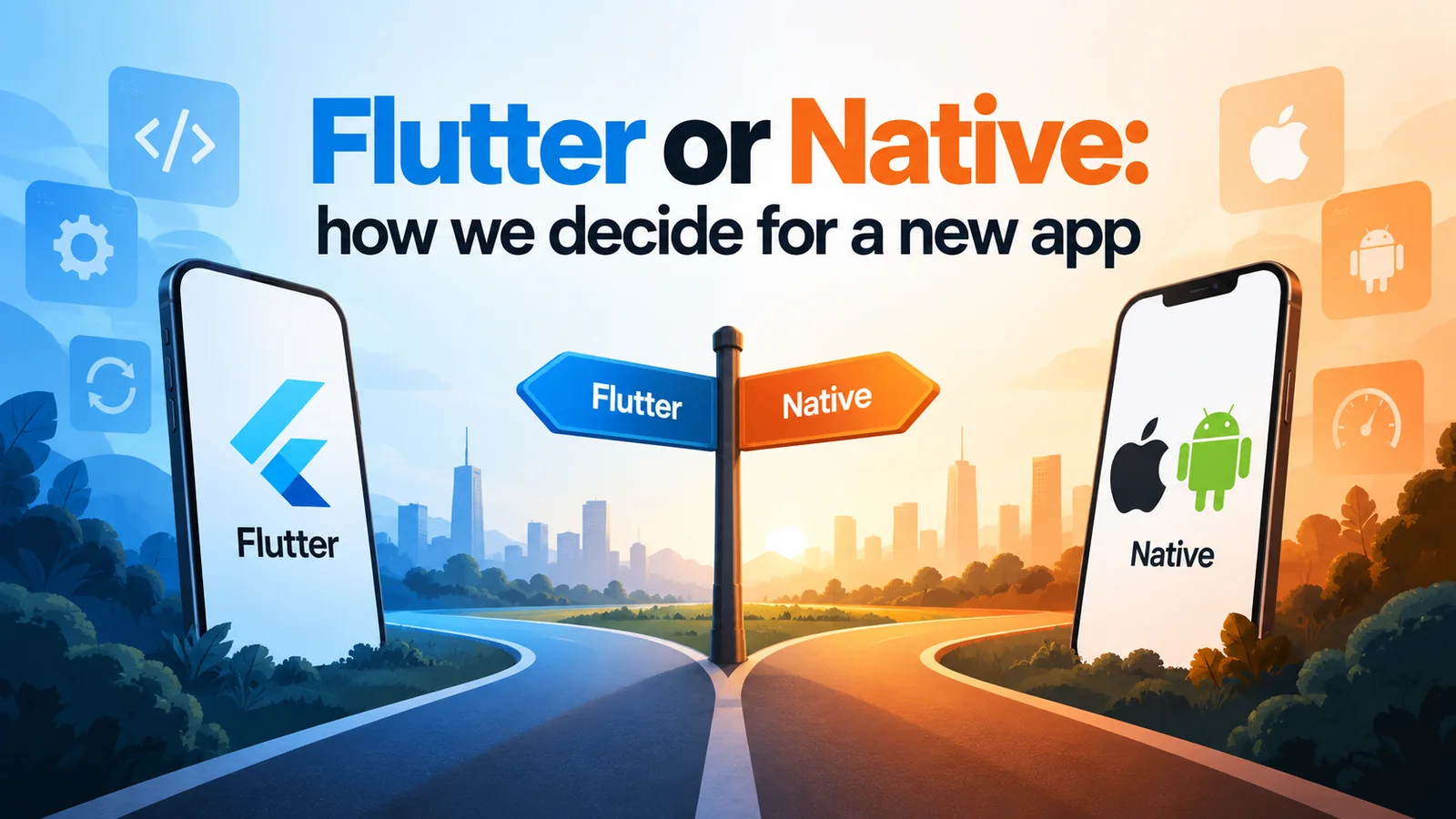
Most apps should be built once in Flutter. Some should not. Here is the short checklist we run through with every client before writing a line of code.
Talha Javed2 min read
Every mobile project starts with the same question, and the honest answer is “it depends” — but it depends on a small number of things that are easy to check. This is the list we actually use.
Start from the default: one Flutter codebase
For the large majority of business apps — marketplaces, booking, field sales, internal tools, anything with forms, lists, maps and payments — a single Flutter codebase for iOS and Android is the right call. You pay for one team, ship both stores on the same day, and every bug fix lands on both platforms at once.
The usual objection is performance. In practice, Flutter renders its own UI at the device’s native frame rate and the apps we ship are indistinguishable from native to users. If your app is not a game or a video editor, performance is not the deciding factor.
When we recommend native (Swift or Kotlin)
We switch to native, or add native modules to a Flutter app, when the product leans on things that live close to the operating system:
Heavy use of platform-specific hardware or APIs — advanced camera pipelines, Bluetooth peripherals with tricky pairing, HealthKit and Health Connect, CarPlay and Android Auto, widgets and live activities as a core feature rather than a nice-to-have.
Real-time media — audio or video processing on the device, AR, 3D.
An existing native app that works. Rewriting a healthy codebase to switch frameworks is almost never worth it. We extend what is there.
A single-platform product by design. If you only need iOS, and will only ever need iOS, Swift is a fine choice and removes a layer.
Most of these can be handled with a Flutter app plus a thin native layer for the one hard part. That hybrid is what we build most often when the pure default does not fit.
The questions we ask on the first call
Who uses it and on what? A field team on company-issued Android phones is a different brief from consumers on both platforms.
What does it do that a website can’t? If the answer is “nothing yet”, we may suggest a web app first and a mobile app once the product is proven.
What needs to work offline? Offline-first changes the architecture far more than the framework choice does.
Is there a backend already? The app is usually the smaller half of the project. A clear API makes any framework choice easier.
Who maintains it after launch? If your in-house team is Kotlin-only, that matters more than our preference.
What the decision actually changes
Choosing the framework changes the team size and the release process. It does not change the things that decide whether an app succeeds: a clear scope, a backend that is designed rather than accumulated, and a release every week so problems surface early.
If you are weighing this for a project, send us a two-paragraph brief. We will tell you which way we would go and why, before any proposal.
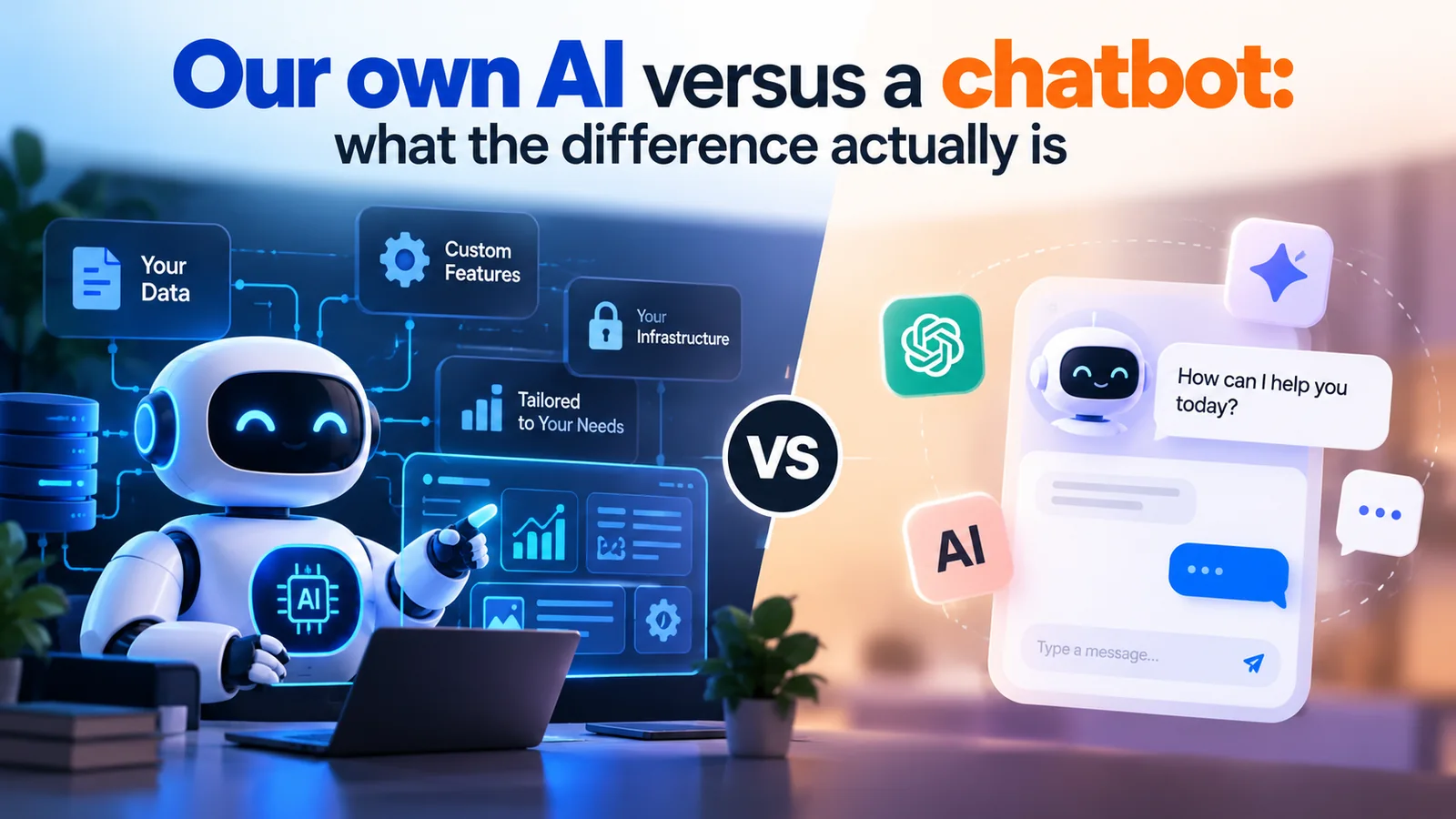
A generic chatbot and an AI trained on your business look the same in a demo. They behave very differently in month three. Here is what sits behind each, and when a simple chatbot is all you need.
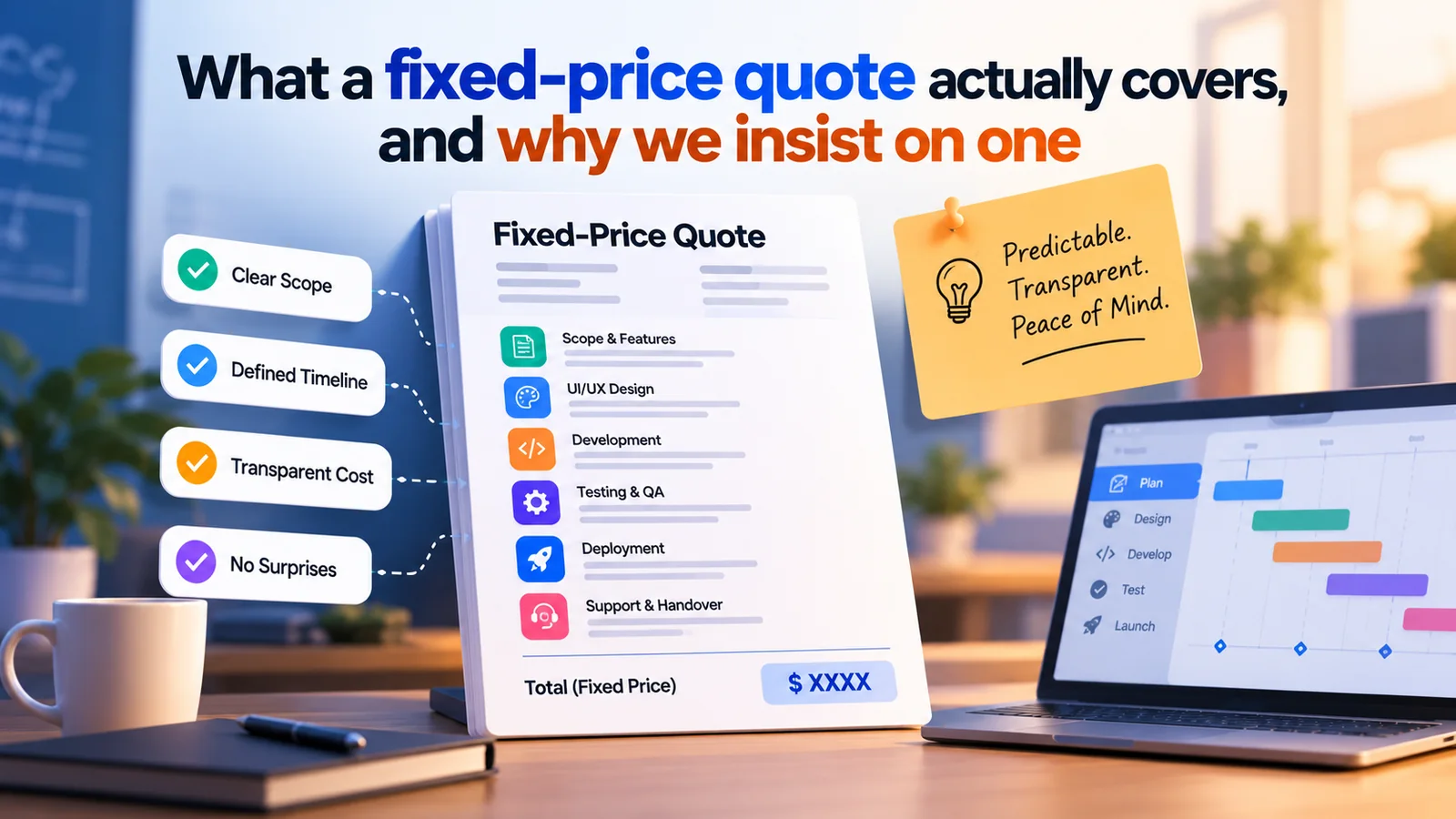
Hourly billing moves the risk onto you. A fixed price moves it onto us, which is where it belongs. Here is what goes into ours, what is excluded, and how changes are handled without drama.
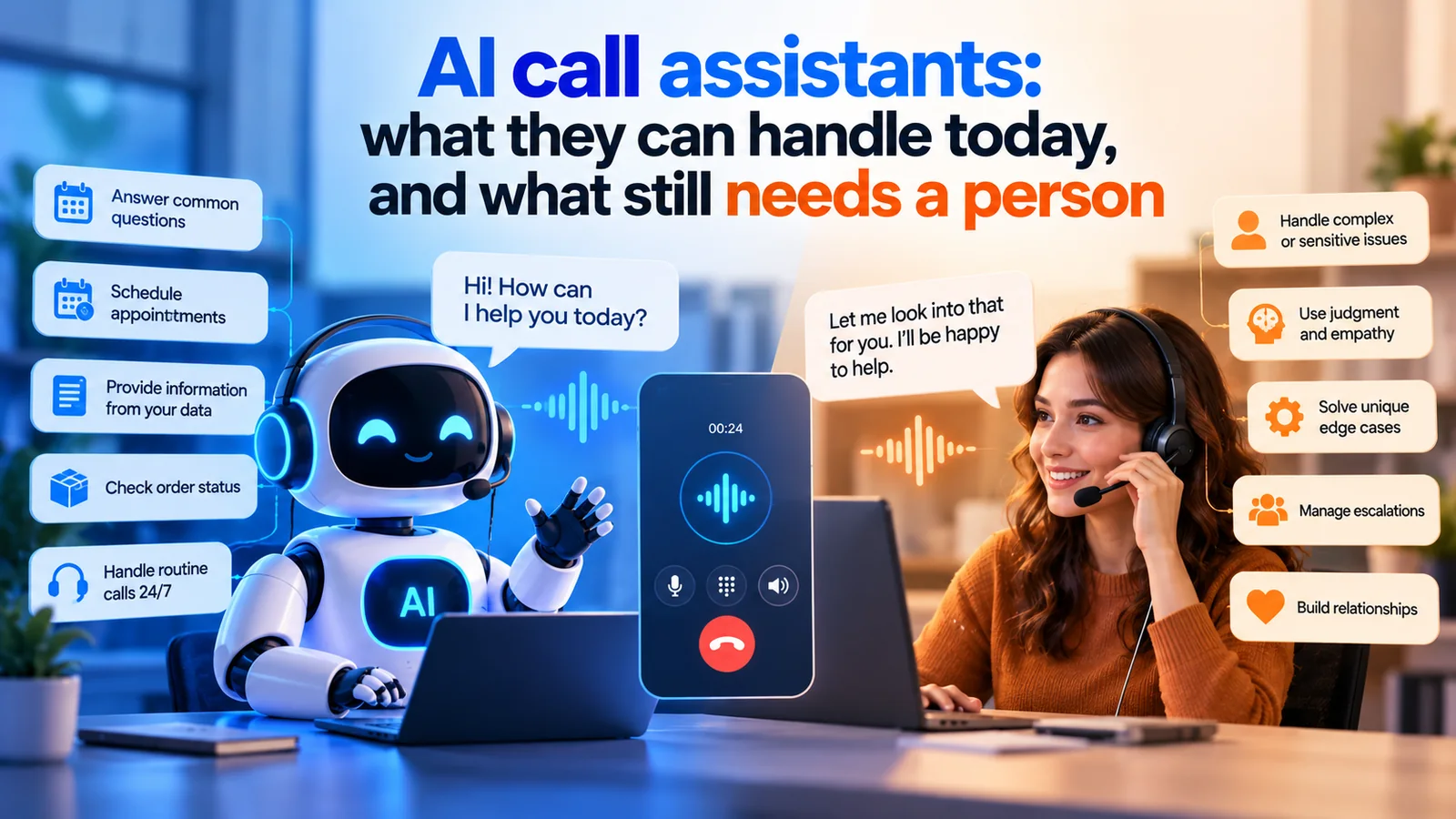
An AI that answers your phone is no longer science fiction, but it is not a receptionist either. Here is where voice assistants earn their keep, where they fail, and how we design the hand-off.
HJHamza Javed2 min read
Tell us what you want to build
A free 30-minute call with a senior engineer. You leave with a plan and a price range, whether or not you hire us.